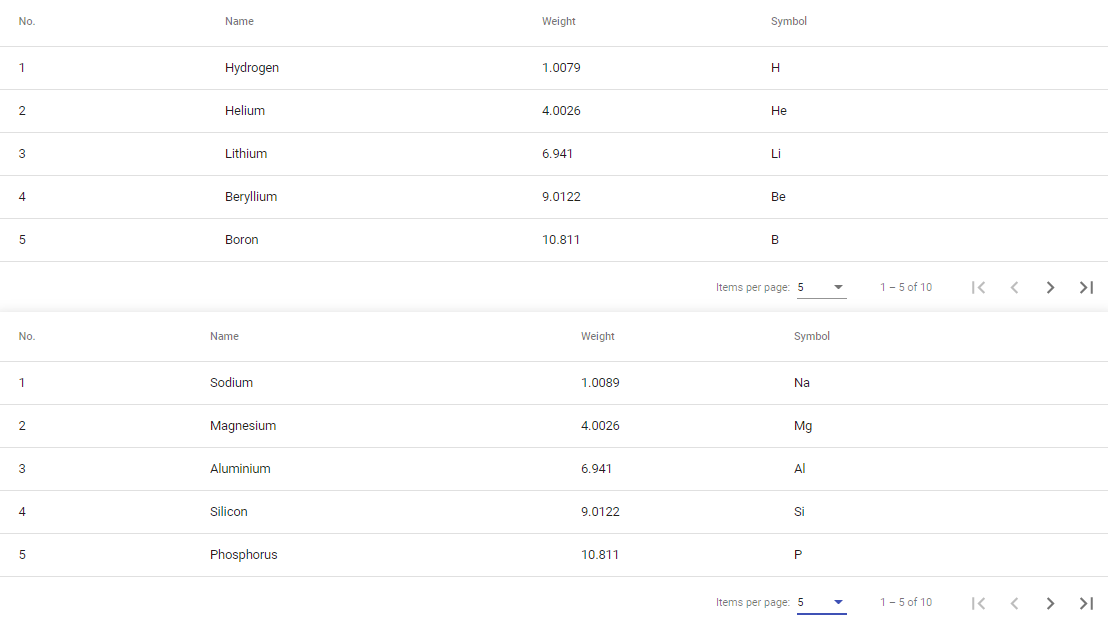
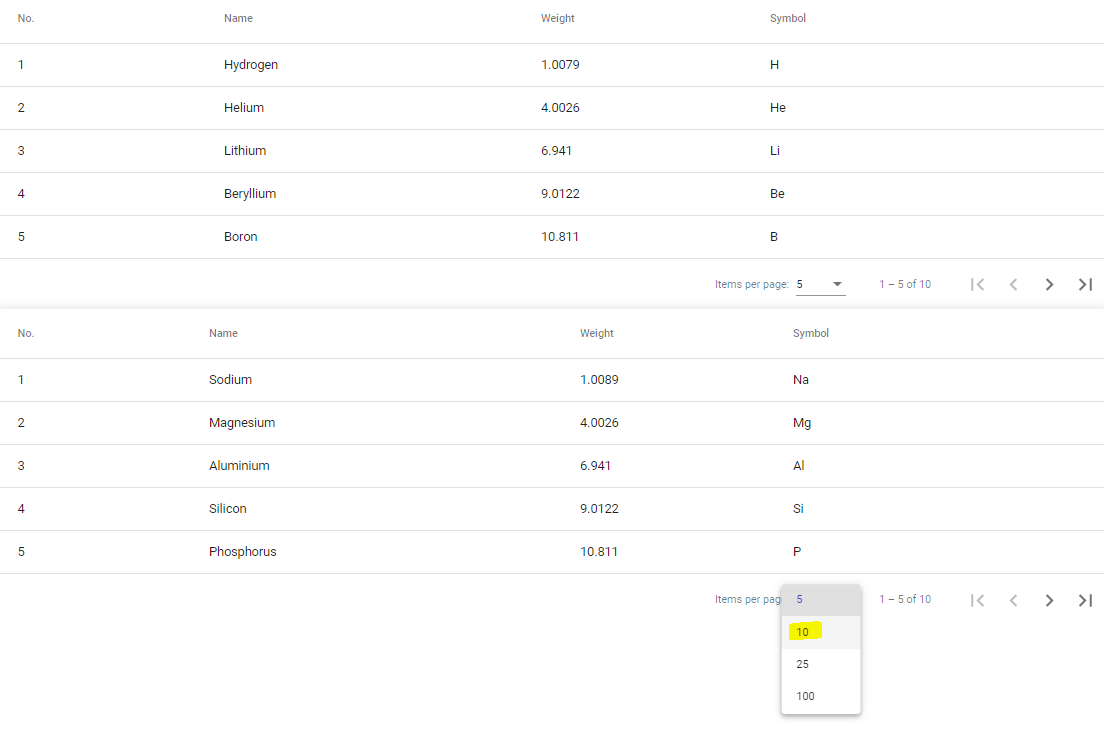
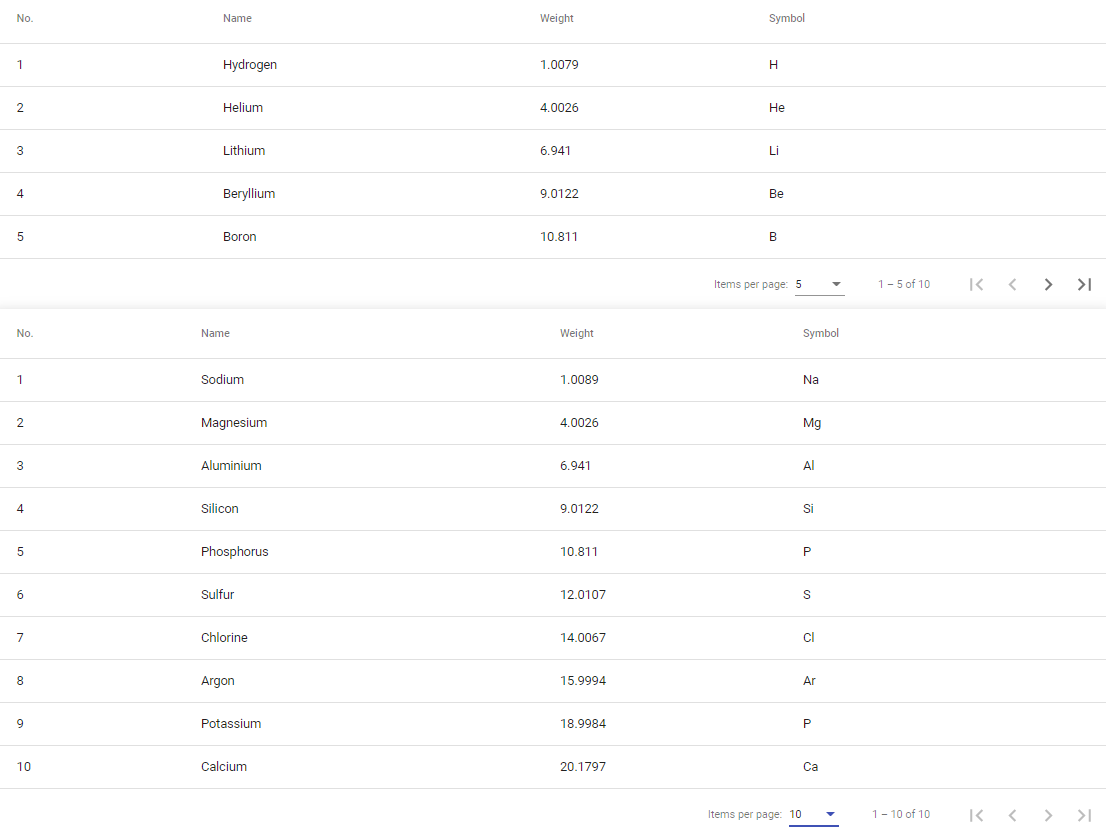
# Multiple pagination example with Angular material
When I tried to create two mat tables and make pagination for each one, my second pager not worked as I expected. So I searched for possible solutions, and I found one that works like a charm. So, here is a quick guide bellow 👇
I created my first table, added paging and everything worked as expected.
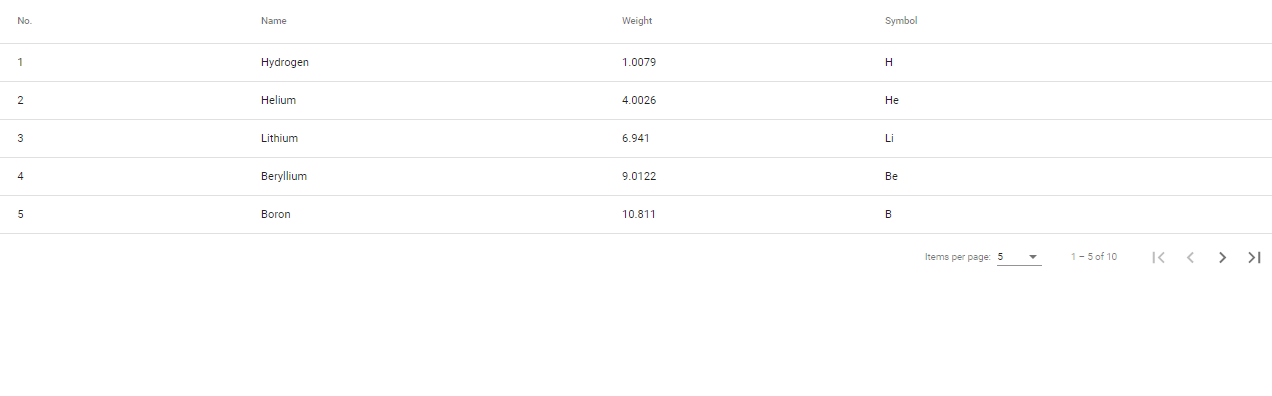

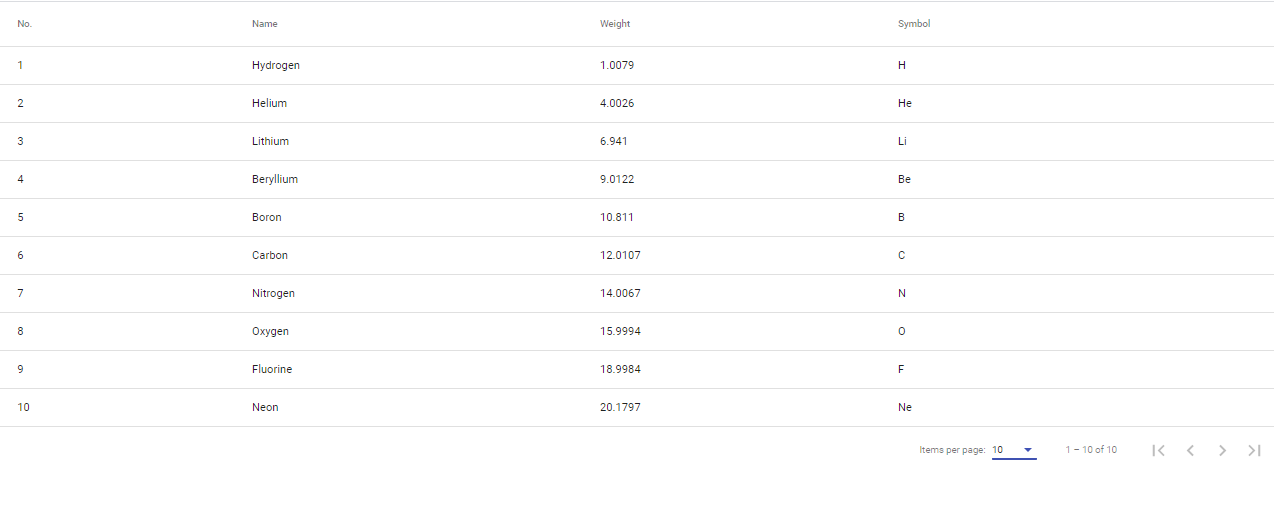
But, when added a second table and I tried to use same paginator for that, only first one worked.
```
ngAfterViewInit() {
this.dataSource.paginator = this.paginator;
}
public ngOnInit(): void {
this.dataSource.data = ELEMENT_DATA_FIRST;
this.dataSource2.data = ELEMENT_DATA_LAST;
}
```
```
```
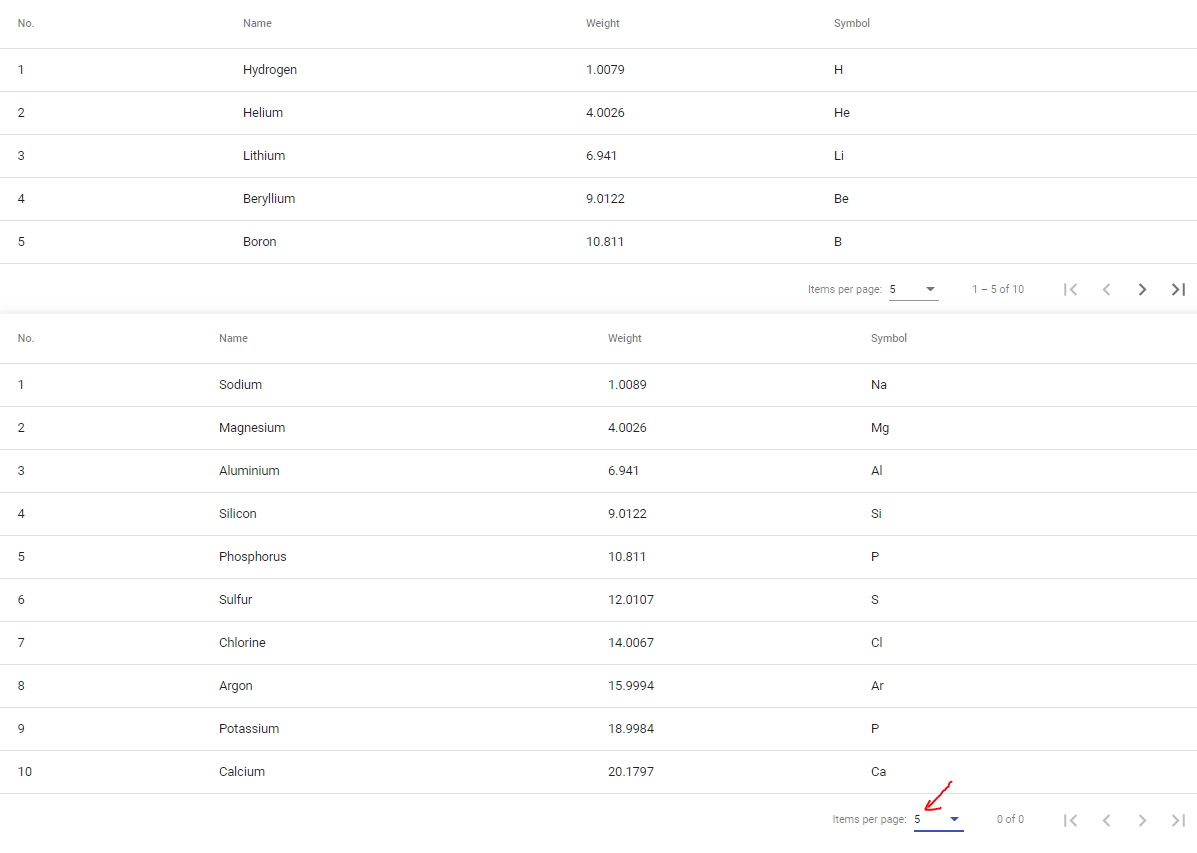
Solution ✔️
Change property decorator from ➡️
```
@ViewChild(MatPaginator) paginator: MatPaginator;
```
to ➡️
```
@ViewChild('paginator', { static: true }) public paginator: MatPaginator;
@ViewChild('secondPaginator', { static: true }) public secondPaginator: MatPaginator;
```
and
```
this.dataSource2.paginator = this.secondPaginator;
```
in ngAfterViewInit() method.
And lastly, we need to add binding to both paginators in html file ➡️
```
```
```
```
Everything is working fine now 💡